 Menu
Menu
Computing / Product review
MacBook Air M2 review: Buy the configuration, not just the name
Apple’s slim 13-inch laptop offers a clear everyday proposition. Memory, display needs, and the condition of used stock decide its value.
By Wendy Editorial · Research-based assessment
About this review: This is an original editorial assessment based on published specifications and documentation, not a hands-on test. We have not independently measured performance, battery life, or sound quality. Manufacturer claims are identified. Sources are linked below.
At a glance
An appealing everyday Mac when the memory, battery condition, and asking price fit your needs.
What works
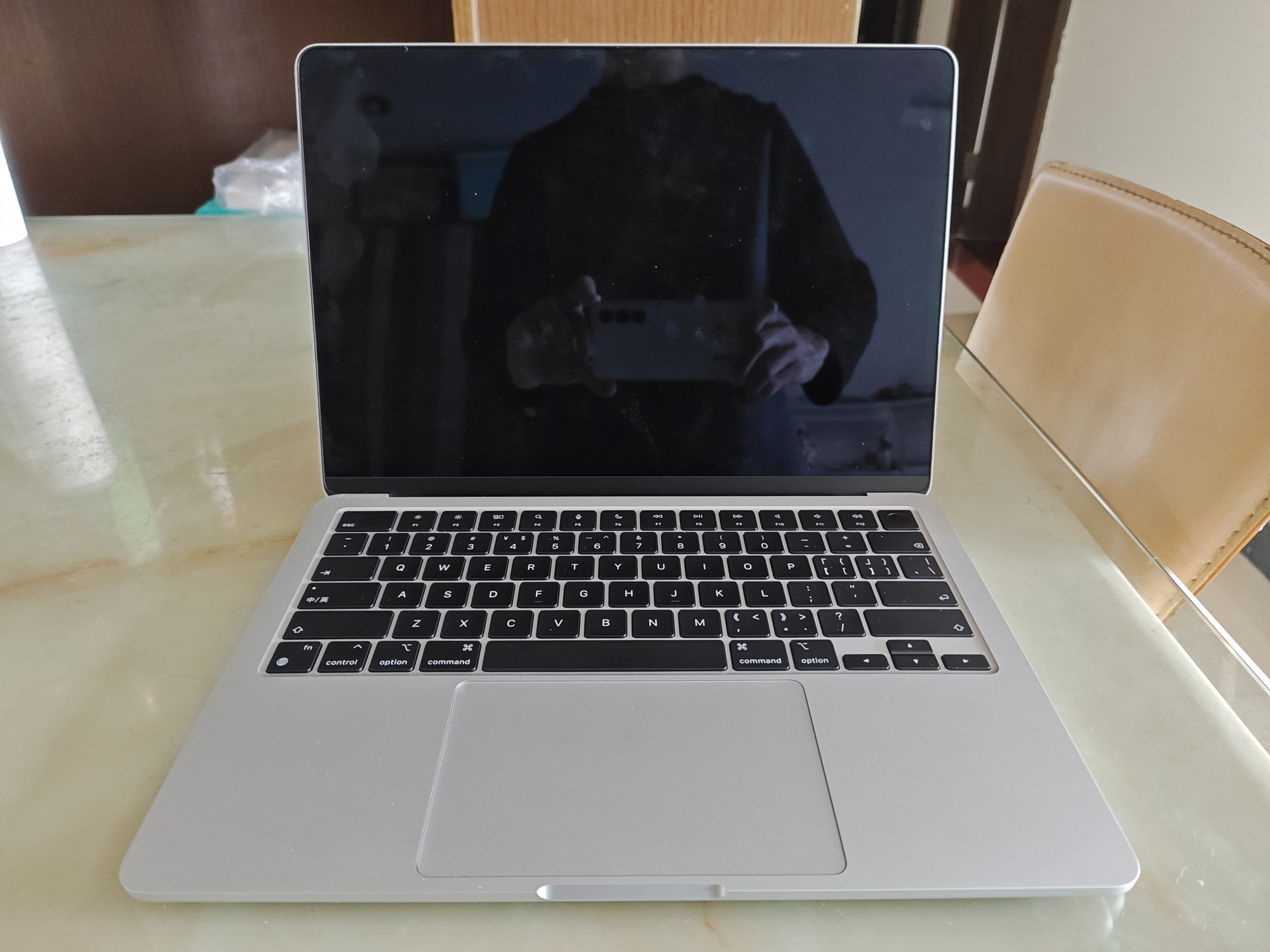
- Light 1.24 kg design
- MagSafe leaves USB-C ports available
- 13.6-inch display for portable work
What to consider
- Memory and storage require planning
- Native support for one external display
- Limited ports may mean buying adapters
Key specifications
| Model | 13-inch MacBook Air, 2022 |
|---|---|
| Chip | Apple M2 |
| Display | 13.6-inch, 2560 × 1664 |
| Weight | 1.24 kg |
| External display | One, up to 6K at 60Hz |
A laptop for the work you actually do
The M2 MacBook Air is easiest to understand as a portable everyday computer. Writing, research, spreadsheets, and study present a different buying problem from rendering large creative projects all afternoon. Before comparing processors, list your essential applications. A good deal on a Mac is not a good deal if your workplace, course, or specialist peripheral requires another platform.
This assessment covers the 13-inch model introduced in 2022, rather than a newer Air with a similar appearance. Match the model number and configuration to the listing. A product name alone leaves too many unanswered questions.
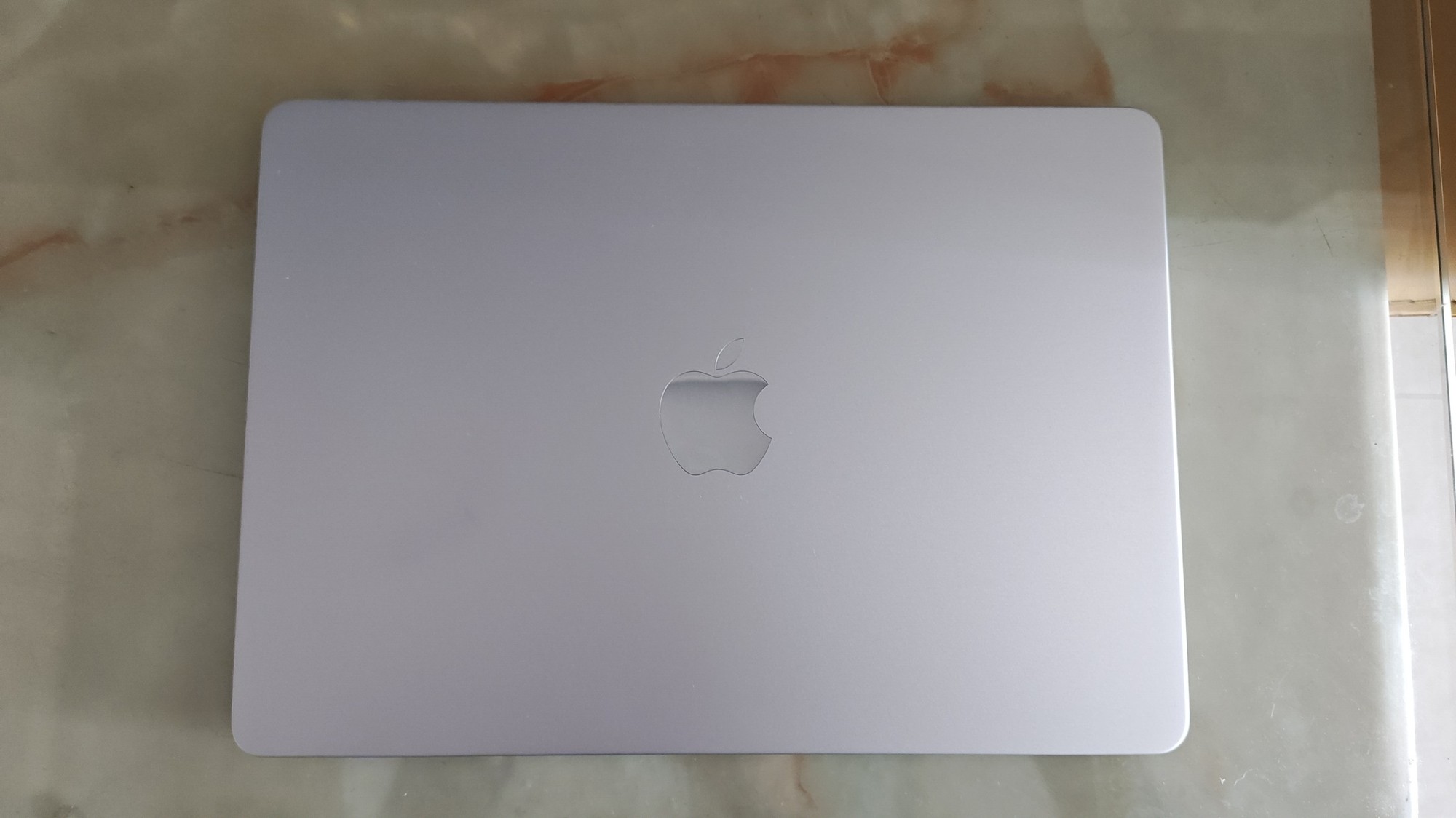
Memory is part of the purchase
Apple offered different memory and storage configurations. Ask for the installed memory and SSD capacity, then compare like with like. Do not assume the cheapest version will have the same useful lifespan for your workload. Think about the applications you keep open together and the files you need offline.
For refurbished stock, request battery information, warranty terms, and a description of replaced parts. A laptop can look immaculate while its battery has seen substantial use. Conversely, cosmetic marks need not rule out a well-documented machine. A clear condition report is more valuable than beautifully lit sales photography.
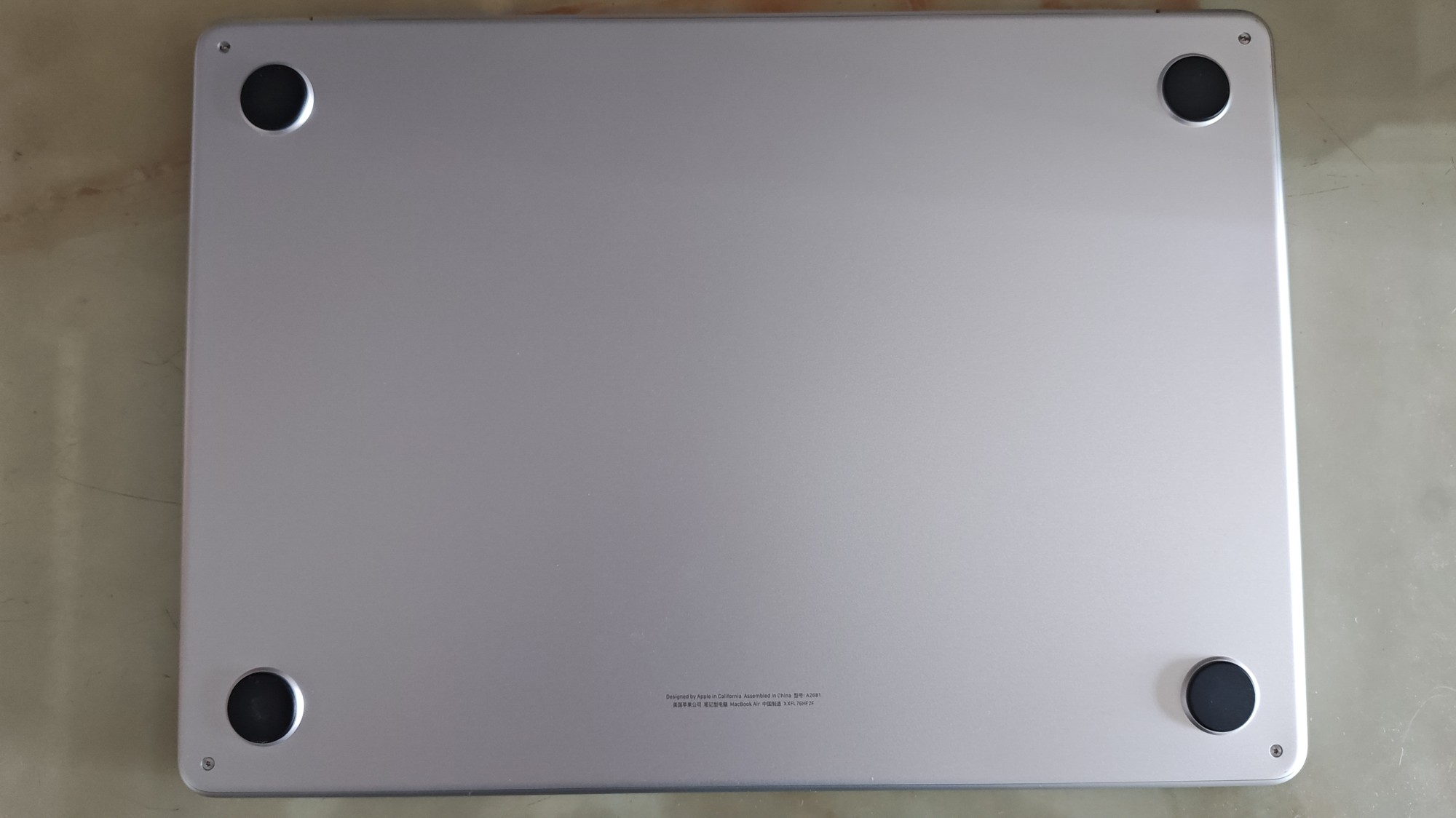
Plan the desk before buying
The specification includes MagSafe, two Thunderbolt / USB 4 ports, and a headphone jack. A simple portable setup may need little else. A monitor, external drive, memory card, and wired network change the calculation. Include the cost of a suitable hub and check its display and power capabilities.
This M2 model natively supports one external display. If you need two independently extended monitors, resolve that requirement before purchasing. Software-based workarounds have their own compatibility considerations. A machine well suited to portable work can still be the wrong foundation for a complicated desk.
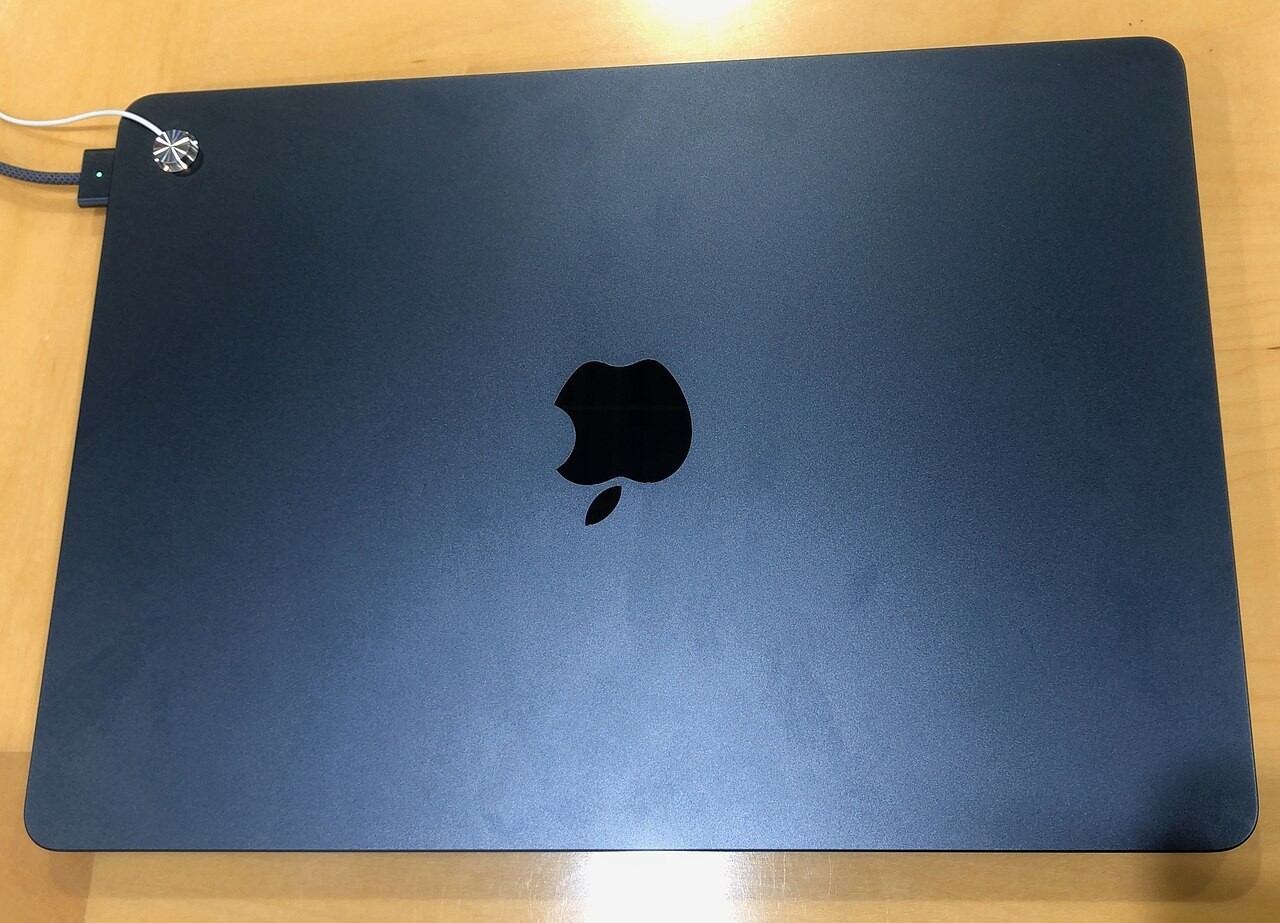
Who should buy it?
Shortlist it if you want a lightweight macOS laptop, your essential software is compatible, and the exact configuration meets your needs. Writers and students with a straightforward setup are natural candidates. Look elsewhere if substantial onboard connectivity, multiple native external displays, or sustained production workloads are central to your day.
The Wendy verdict
Compare the documented configuration with newer alternatives at equivalent memory and storage. The older machine should offer a meaningful advantage in total cost. Allow for adapters and buy with a clear return policy. The best configuration is the one you will not immediately outgrow; a processor name is only one part of that decision.
Sources & review notes
Published October 20, 2026. These reviews cover the specific models named above. Availability, software features, and seller prices can change.
Photography is independently licensed and does not indicate that Wendy tested or photographed a review unit. Photo licenses remain with their credited creators. No affiliate tracking links are included in this edition.